DEPOSITS · 29 September 2026 · 4 min read
How to Deposit on Bynix from India: UPI, Paytm, PhonePe and IMPS in Rupees (From $10)
Step-by-step guide for Indian traders: funding a Bynix Broker account in INR with UPI through Paytm or PhonePe, what the payment page looks like, how fast the balance updates, the +100% WELCOME100 bonus, and how IMPS withdrawals back to your bank work.
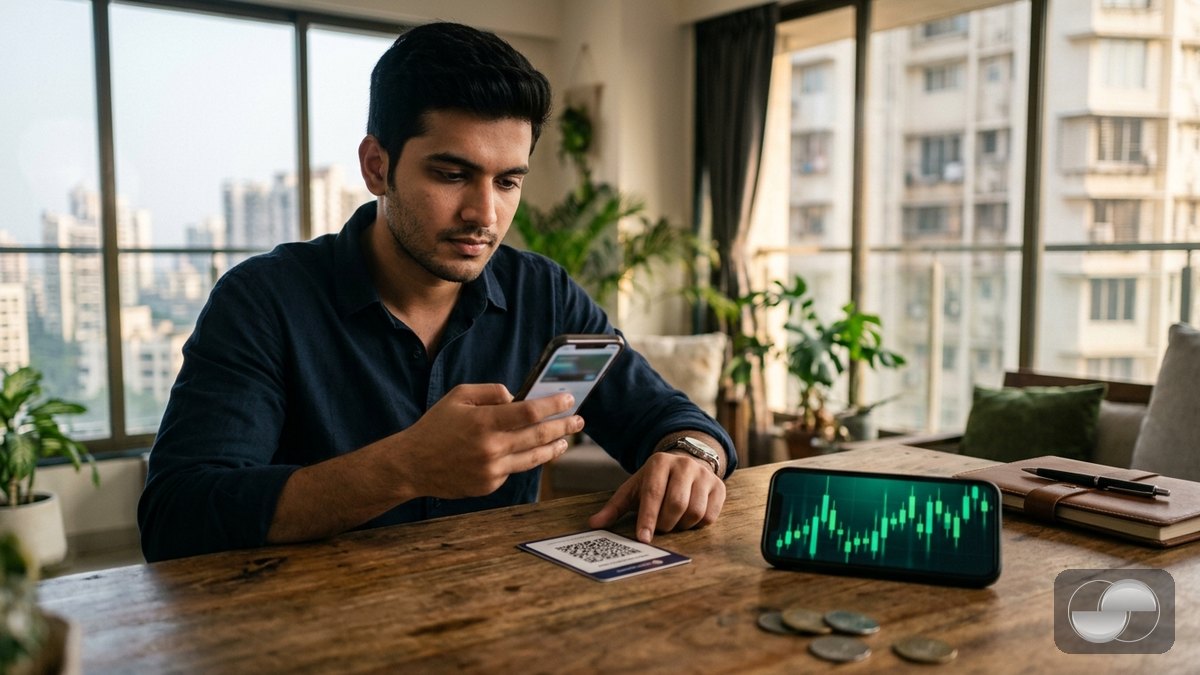
Indian traders can fund a Bynix account directly in rupees — no crypto exchange, no third-party agent. Deposits are paid with UPI through the Paytm or PhonePe apps and withdrawals come back to your bank account by IMPS. Here is the whole flow, including what to do when a payment page does not return.
What you need
- A Bynix account with the Real account selected (tap the account pill in the header to switch from Demo).
- Country set to India in Profile › KYC — the rupee methods only appear for Indian accounts.
- A UPI app with a linked bank account: Paytm, PhonePe, Google Pay or your bank's app.
Deposit with UPI (Paytm / PhonePe)
- Tap Top up (PC) or the wallet button (phone) and pick Paytm or PhonePe from the e-wallet row. Availability can change; the app only shows methods that are switched on right now.
- Enter the amount in INR — the USD equivalent that will land on your balance is shown live. Minimum is $10 (about ₹850), maximum per transaction is shown in the sheet.
- Add a promo code if you have one and confirm. A secure payment page opens with the UPI ID or QR code.
- Pay from your UPI app within the time shown on the page (usually 20 minutes).
- Return to Bynix. The payment provider confirms the transfer to us automatically and your real balance updates — normally within a minute, with a notification.
Prefer to watch it? The 15-second animated clip below replays the whole flow — Deposit → UPI → amount → your UPI app → balance update. Creators may download it and use it in their own videos: vertical · landscape · green-screen.
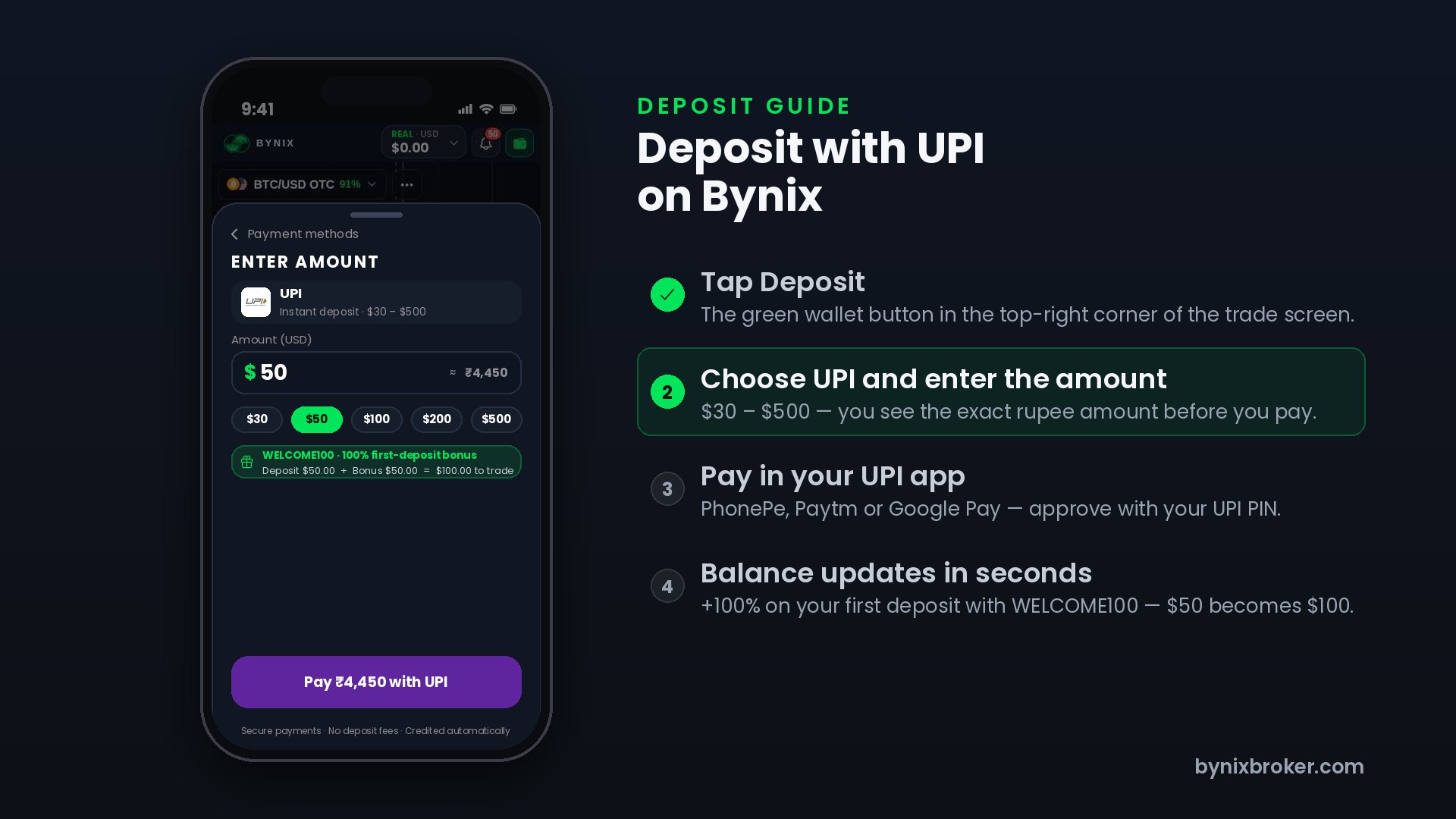
The +100% first-deposit bonus
New accounts see a gift icon with a countdown in the header. Enter WELCOME100 on your first deposit and the bonus doubles it. Bonus funds trade exactly like real funds; they become withdrawable once the turnover requirement shown in the deposit sheet is met. Later deposits can use the 30–110% codes from the Market shop.
Withdrawing to your bank by IMPS
Withdrawals go back to the method you deposited with, so an INR deposit unlocks INR withdrawals:
- Choose IMPS, enter the amount, then your account holder name, account number and IFSC code exactly as your bank shows them.
- Confirm the 6-digit code sent to your e-mail.
- Approved requests are paid out automatically by bank transfer; identity verification (KYC) is required once before the first withdrawal.
If something looks stuck
- Paid but balance unchanged after 5 minutes? Open Profile › Finance › Transactions — a deposit that is still "pending" is re-checked with the provider every minute and credited as soon as it is confirmed.
- Payment page expired before you paid? Do not pay to an old QR code. Start a new deposit — every request has its own reference.
- "Method not available"? The rupee channels are provided by a local partner and can be paused for maintenance; try the other UPI app or USDT (TRC-20), which is credited the moment the network confirms.
Prefer crypto? The USDT deposit guide covers TRC-20, BEP-20 and ERC-20 from $5. New to Bynix? Open an account in 30 seconds.