DEPOSITS · 29 September 2026 · 3 min read
How to Deposit on Bynix from Pakistan: JazzCash, EasyPaisa, Raast and NayaPay in PKR
A complete guide for Pakistani traders: funding Bynix Broker in rupees with JazzCash, EasyPaisa, Raast or NayaPay, the payment-page steps, minimums, the WELCOME100 bonus, and how wallet withdrawals with your CNIC work — paid automatically.
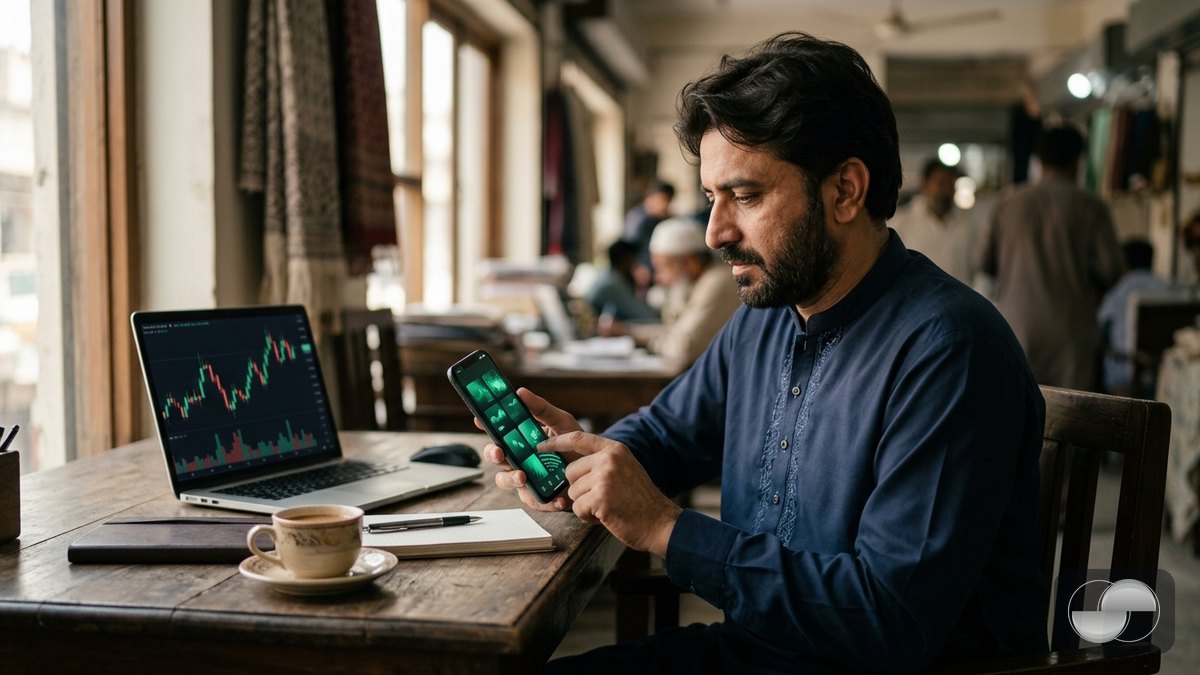
Bynix accepts Pakistani rupees directly. You pay from the mobile wallet you already use — JazzCash, EasyPaisa, NayaPay — or by Raast instant transfer from any bank app, and you withdraw back to the same wallet. This guide covers every step.
Before you deposit
- Switch to your Real account (account pill in the header).
- Set your country to Pakistan in Profile › KYC so the PKR methods appear.
- Keep your wallet app open on the same phone — payment pages are easiest to complete by copying the details across.
Deposit with JazzCash or EasyPaisa
- Tap Top up and choose JazzCash or EasyPaisa in the e-wallet row.
- Type the amount in PKR; the USD value credited to your balance is shown live. Minimum $10 (roughly ₨2,800), maximum per payment is shown in the sheet.
- Add a promo code if you have one and confirm — the secure payment page opens.
- Follow the page: send the exact amount to the wallet number shown (or approve the request inside your wallet app) within the time limit.
- Come back to Bynix. The provider confirms the payment and your balance updates automatically, usually within a minute.
Deposit with Raast
Raast is Pakistan's instant bank-to-bank rail. Pick Raast, enter the amount, and the payment page shows the account to send to. Use the Raast / IBFT transfer in any bank app; the transfer settles in seconds and the confirmation reaches Bynix the same way as a wallet payment.
Bonus on the first deposit
Enter WELCOME100 on your first deposit for a +100% bonus. Bonus funds trade like real funds and unlock for withdrawal once the turnover shown in the deposit sheet is met.
Withdrawing to your wallet
Withdrawals return to the method you deposited with:
- Choose your wallet (JazzCash, EasyPaisa, NayaPay or Raast), enter the amount, the wallet phone number (03XXXXXXXXX), your CNIC number and pick the bank / wallet name from the list.
- Confirm the 6-digit e-mail code. Requests are paid out automatically to the wallet; KYC is required once before the first withdrawal.
- The name on the wallet must match the name on your Bynix identity verification — that is what keeps your money safe if someone else gets into your account.
Common questions
- Paid, but the balance is still the same? Check Profile › Finance › Transactions. Pending deposits are re-verified with the provider every minute and credited as soon as confirmed.
- Wallet asks for a purpose? Choose "Personal" or "Other" — it does not affect the credit.
- A method is missing? Wallet channels are switched on per method; if one is down for maintenance the others (and USDT from $5) still work.
Ready? Open a real account or read the general deposit guide first.