WITHDRAWALS · 29 September 2026 · 3 min read
How to Withdraw From Bynix: bKash, Nagad, UPI/IMPS, JazzCash, EasyPaisa and USDT Step by Step
The complete Bynix withdrawal guide — the same-method rule, the 6-digit e-mail code, KYC before the first payout, what each method asks for (wallet number, CNIC, IFSC, crypto address), how long payouts take, bonus turnover and what a locked or pending request means.
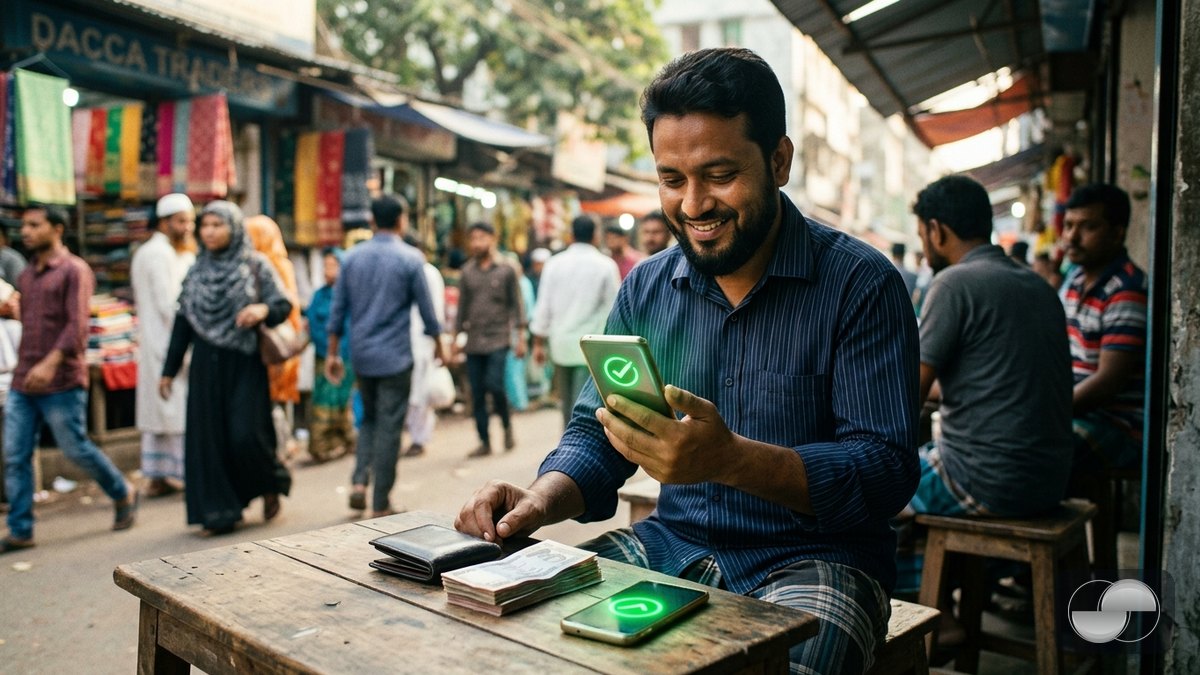
Withdrawing from Bynix is designed to be boring: request, confirm the code, wait a few seconds. This guide explains the rules behind that flow so nothing surprises you — which methods you can use, what details each one needs and why a request may show as pending or locked.
Rule 1 — money goes back the way it came
You can only withdraw to a method you have deposited with. A bKash deposit unlocks bKash withdrawals, a Paytm deposit unlocks IMPS to your Indian bank, a USDT TRC-20 deposit unlocks USDT TRC-20. The withdrawal sheet shows only your unlocked methods. This rule protects you: someone who gets into your account cannot send your balance to a wallet you have never used.
Rule 2 — verify once, withdraw forever
Before the first withdrawal every trader completes KYC in Profile › KYC: your details, then an ID document and a selfie with a liveness check — about 30 seconds. Once verified, later withdrawals never ask again. The name on your payout method must match the name on your ID.
Step by step
- Open Profile › Finance › Withdraw (or the Withdrawal row in the menu).
- Pick the method and type the amount. The sheet shows the minimum and your withdrawable balance.
- Enter the payout details for that method (see below) and continue.
- Type the 6-digit code sent to your e-mail.
- Watch the status in Transactions: processing → completed. Standard requests are paid automatically, usually within about 30 seconds.
What each method asks for
- bKash / Nagad (Bangladesh) — your wallet number (01XXXXXXXXX), personal account.
- IMPS (India) — account holder name, bank account number and IFSC code.
- JazzCash / EasyPaisa / NayaPay / Raast (Pakistan) — wallet phone number (03XXXXXXXXX), your CNIC number and the bank/wallet name from the list.
- USDT and other crypto — a wallet address on the same network you deposited from (TRC-20 address starts with T, BEP-20 / ERC-20 with 0x). Bynix checks the format before it lets you continue.
Bonus funds and turnover
Bonus money (WELCOME100 and promo codes) becomes withdrawable once the turnover requirement shown when you accepted the bonus has been traded. The withdrawal sheet shows how much of your balance is withdrawable right now and how much turnover is left.
Pending, locked, rejected — what they mean
- Pending review — larger requests and some first withdrawals are checked by the team; this is measured in hours, not days, and you are notified either way.
- Locked — documents requested — the team needs a document (for example proof that the payout wallet is yours). Upload it from the withdrawal itself; the request continues as soon as it is reviewed.
- Rejected — the amount is returned to your balance with the reason shown in Transactions. The usual causes: a name mismatch or a wallet that is not personal.
Fees and limits
Bynix charges no withdrawal fee. Network fees on crypto are paid by Bynix on the standard networks. Minimums are shown per method in the sheet. One active withdrawal request at a time — cancel it from Transactions if you want to change the amount.
Country-specific deposit guides: Bangladesh (bKash / Nagad), India (UPI / IMPS), Pakistan (JazzCash / EasyPaisa / Raast). Full rules: Payment policy.